1. The philosophy of wine data at VinoCellar
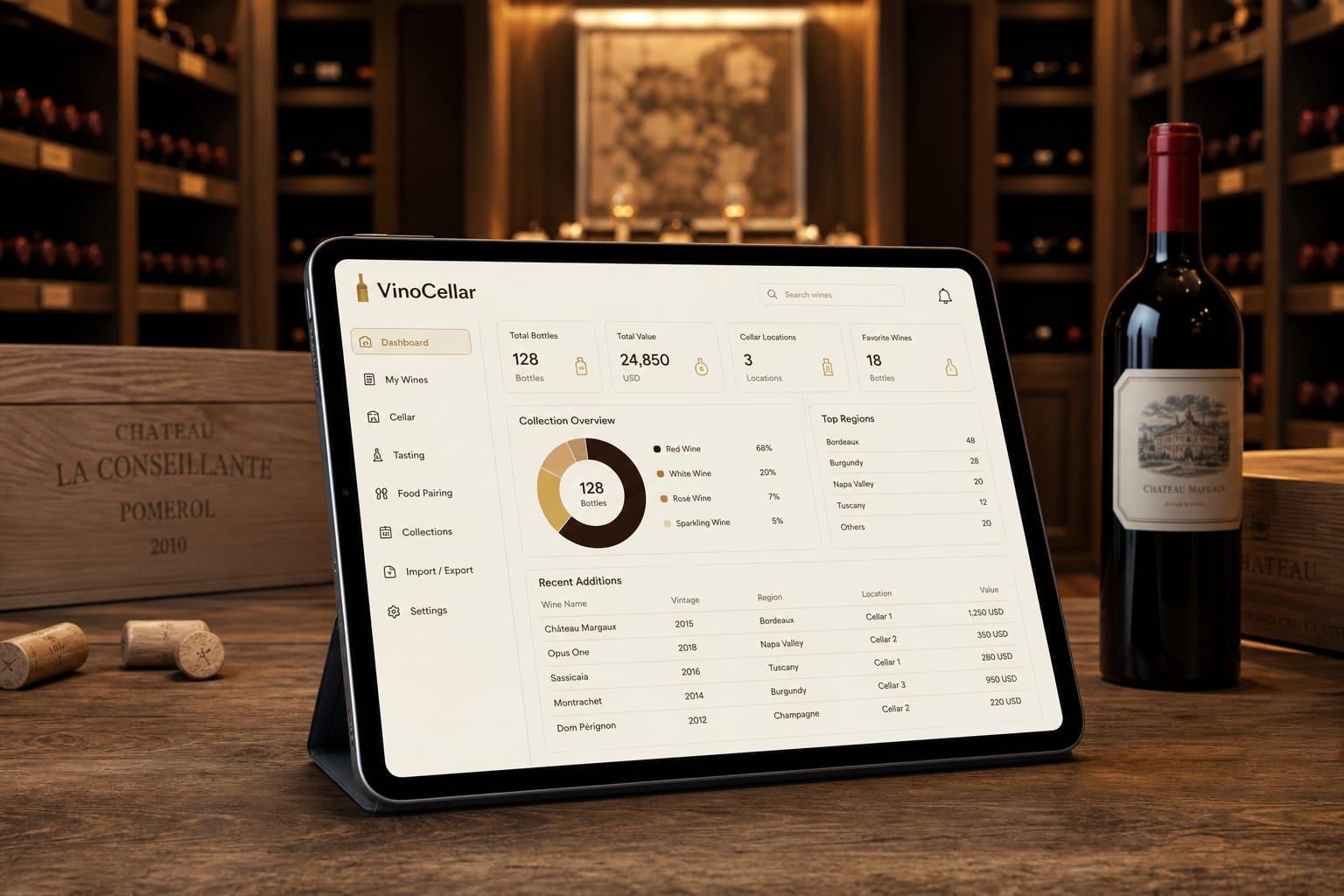
For a collector, a cellar is not just an inventory: it is a heritage. The loss of data related to tasting history or cellar valuation is a source of stress that VinoCellar aims to eliminate. Our infrastructure does more than just store names of vintages; it preserves the memory of your experiences.
The core of our technology is based on a distributed architecture. Unlike local applications that store everything on your smartphone, VinoCellar uses a Multi-Cloud approach. This means your data is replicated across multiple secure servers, ensuring constant availability, even in the event of a provider outage.
2. End-to-end encryption: your cellar, your property
Confidentiality is the cornerstone of our service. Every piece of data entered into the VinoCellar application — whether it is the purchase date, price, or your tasting notes — is encrypted before it even leaves your device. We use AES-256 standards, the global benchmark for security.
This process ensures that no one, not even VinoCellar engineers, can view the detailed content of your private cellar without your explicit authorization. Your data belongs to you, and encryption is the technical guarantee of that sovereignty.
3. Real-time synchronization: a seamless experience
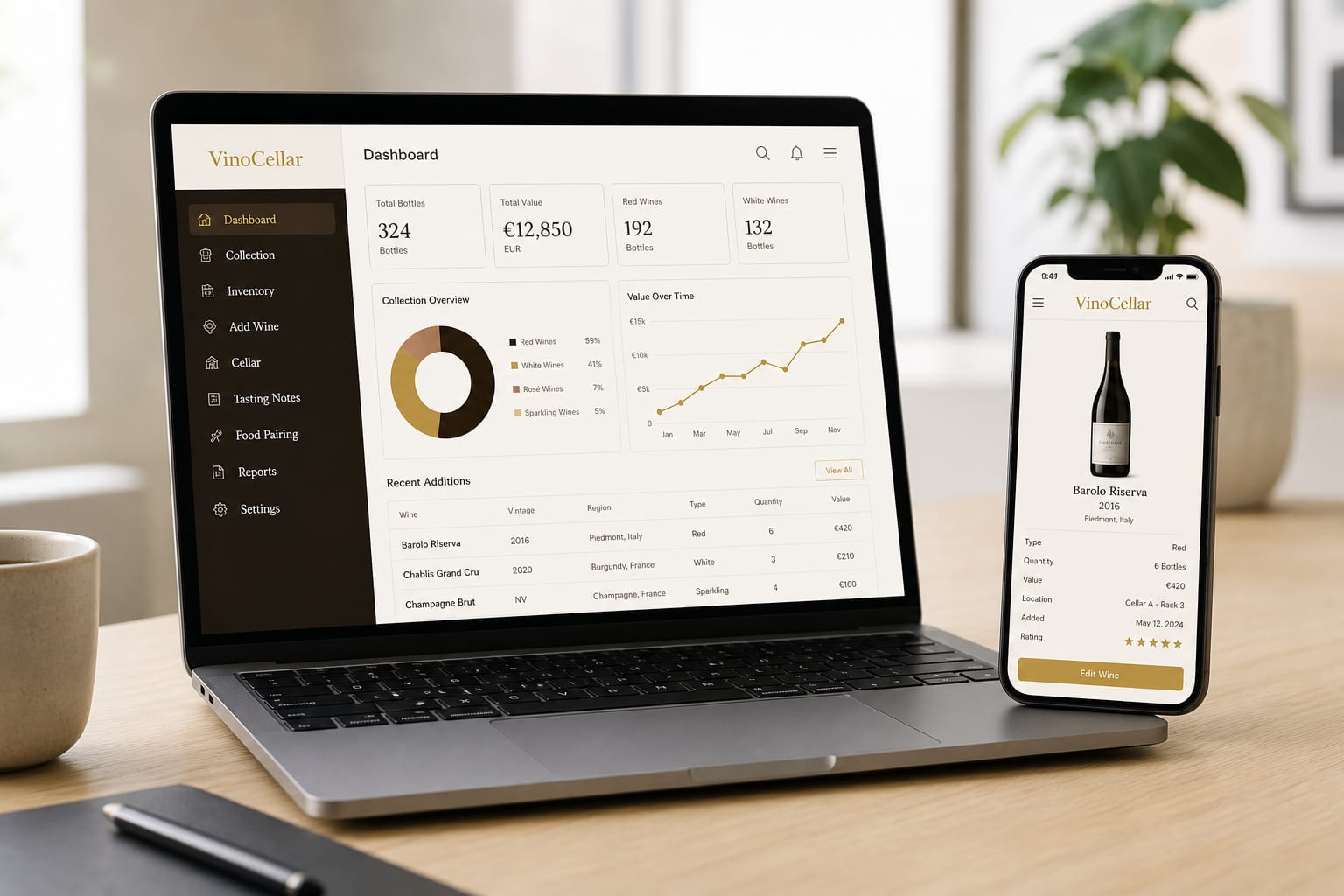
One of the major challenges is the fluidity between devices. You edit your inventory on your smartphone in the middle of a tasting, and you want to find that information on your tablet or desktop when you get home. Thanks to the differential synchronization protocol, only the changes are sent to the Cloud.
The VinoCellar application, when viewed on your mobile, displays changes made to your Cloud space in real time. This responsiveness is enabled by our optimized APIs which reduce latency to a few milliseconds, ensuring your inventory is always up to date across all your screens.

4. Managing wine heritage in the face of the unexpected
What happens if you lose your phone? This is where the power of the VinoCellar Cloud truly shines. Since your data is not physically tied to a device, restoration is instantaneous. Simply log back into your account on any new device to retrieve your entire cellar, categorized and organized exactly as you left it.
The step-by-step backup method
- Enable automatic backup in your VinoCellar application settings.
- Verify that synchronization is active on all your connected devices.
- If you change smartphones, simply download VinoCellar from your app store.
- Sign in with your unique credentials; your data will be downloaded automatically and securely.
5. Why is Multi-Cloud essential for wine?
Unlike other sectors, wine data is often enriched over the long term: notes taken ten years ago on a bottle that is still evolving must remain intact. The Multi-Cloud architecture allows for geographic redundancy. If one data center experiences an anomaly, your data is immediately accessible via another node on the network.
Total Security
Military-grade encryption for your private data.
Real-time
Instant synchronization between mobile, tablet, and desktop.
Accessibility
Find your cellar anywhere, even if you lose your mobile.
6. Common errors and best practices
The most common mistake is disabling background synchronization to save battery. While this preserves a few percentage points of power, it prevents VinoCellar from performing automatic backups in the event of an incident. We recommend leaving synchronization enabled so that every change is instantly protected.
Another best practice is to regularly check the application version. Our updates do not just contain new tasting features; they also integrate the latest security patches to protect your personal Cloud against emerging threats.
In conclusion, the VinoCellar Cloud is more than just storage; it is a digital safe designed to accompany the life of your cellar. By delegating the technical complexity to our platform, you can focus on what really matters: the pleasure of tasting and sharing your finest vintages.



Comments (0)